There are a few jailbreak tweaks that let you close all running background apps with one tap. However, this new tweak adds some style to that action. Instead of tapping on a close button, all you have to do is swipe away.
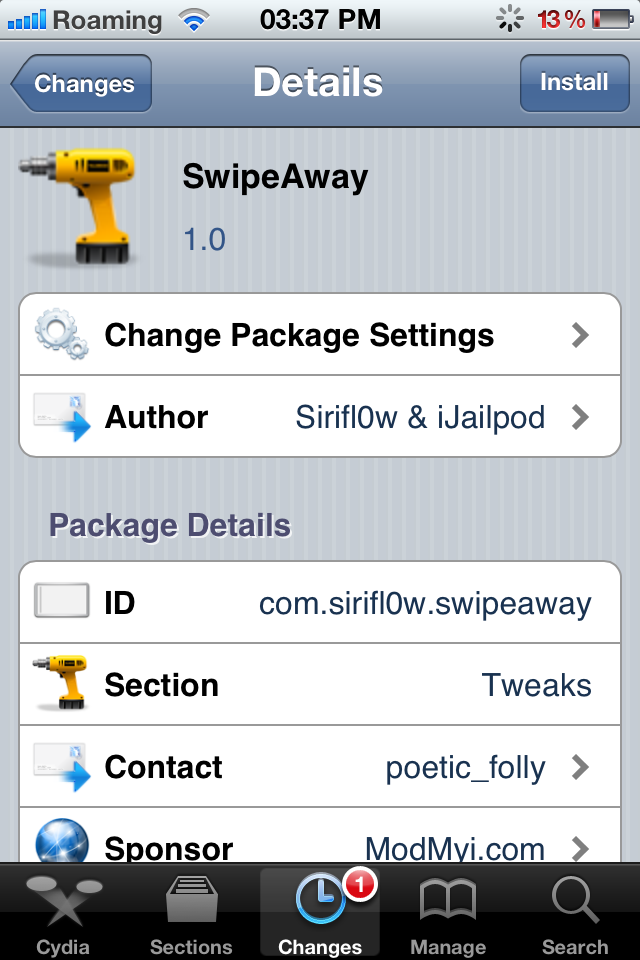
SwipeAway is a new Cydia tweak that lets you kill background apps with swipe gestures. It’s not a complicated tweak or anything very extraordinary, it just makes killing background apps a little easier. Once you install the tweak, open the multitasking bar and swipe up or swipe down to kill all apps. You’ll have to assign either one of those gestures, as that’s all you get. It is a really simple tweak as I said. The options can be configured from the Settings app.
If you’re looking for a way to kill background apps with one single action, this is what you need. SwipeAway is available for free in the ModMyi repo. Give it a try.
Leave a Reply