I’m sure everyone is aware that Apple has released iOS 4.0.1 for iPhone 4, 3GS and 3G. Although iPhone 4 and 3GS users will have to wait for a new jailbreak tool (shouldn’t be long thanks for Comex), iPhone 3G users are able to jailbreak their iPhone on iOS 4.0.1 using Redsn0w 0.9.5b5-5.
Note: this is for iPhone 3G but should work for iPod Touch 2G, and selecting multitasking/wallpapers in step 6, really slows down the 3G.
This guide will show you how to jailbreak iPhone 3G on iOS 4.0.1 using Redsn0w v0.9.5b5-5.
Step 1: Download iOS 4.0.1 and Redsn0w v0.9.5b5-5. (iPhone FW links here, Redsnow Windows – Mac).
Step 2: Install the latest version of iTunes (iTunes 9.2).
Step 3: Update to this latest FW (Firmware) using the IPSW file downloaded in step 1.
(Update iDevice with iTunes by clicking update and holding the shift key which a box will open, you can then select the file you have just downloaded. Thanks Pop.)
Step 4: Launch Redsn0w 0.9.5b5-5 and point at the 4.0 IPSW even though you’re at 4.0.1.
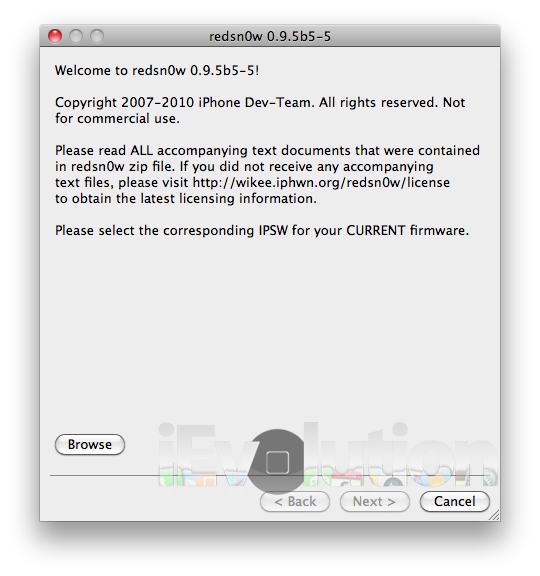
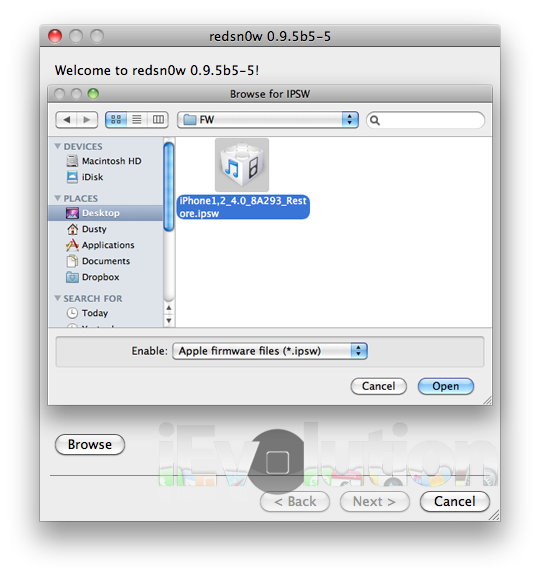
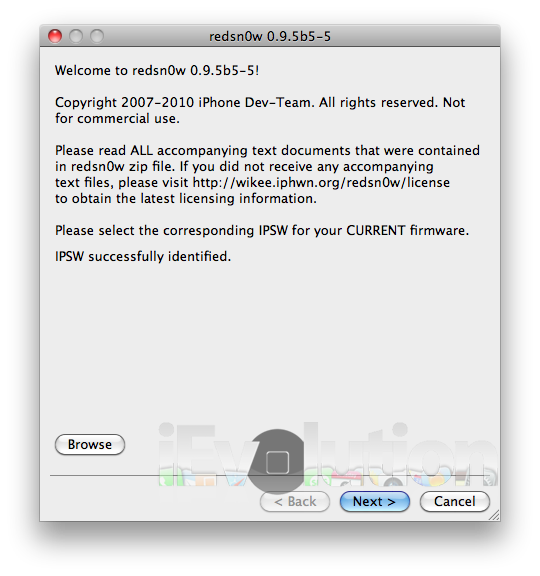
Step 5: Click “Next” and watch as redsn0w is preparing jailbreak data.
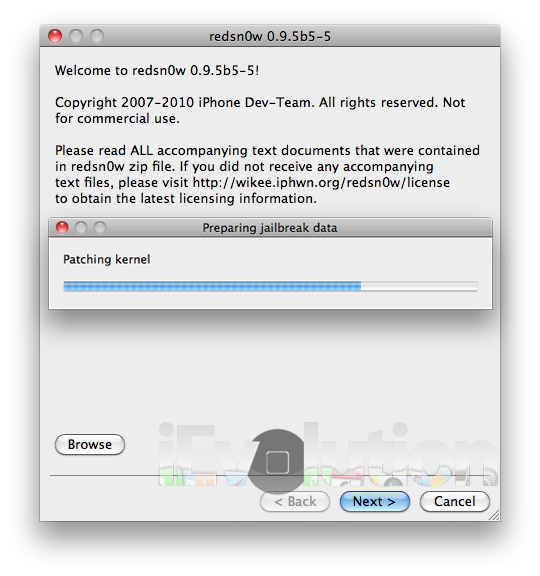
Step 6: Check “Install Cydia” if not already checked, and click “Next”.
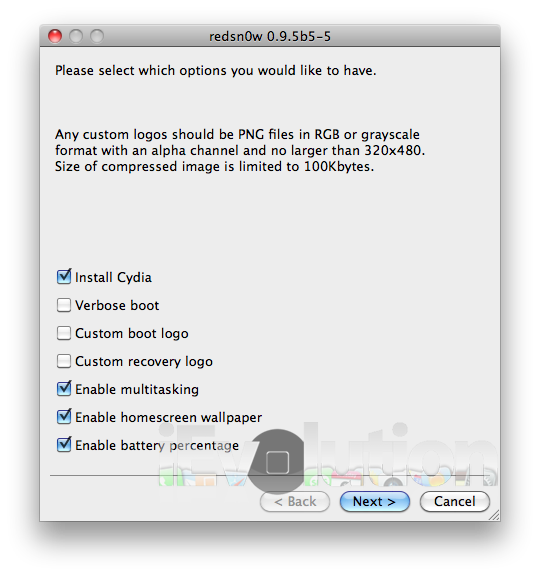
Step 7: Follow the onscreen instructions.
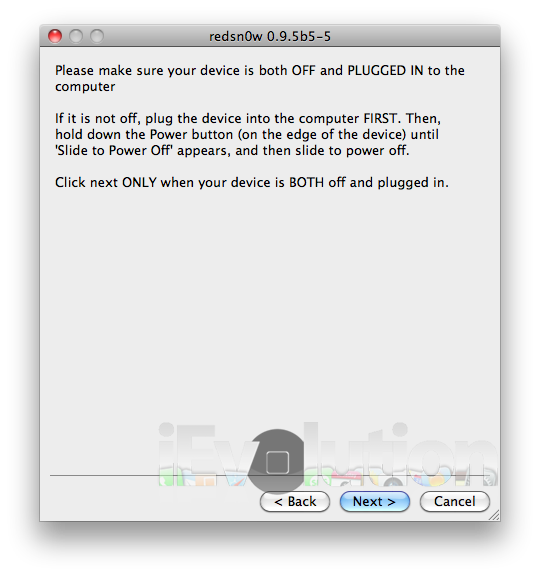
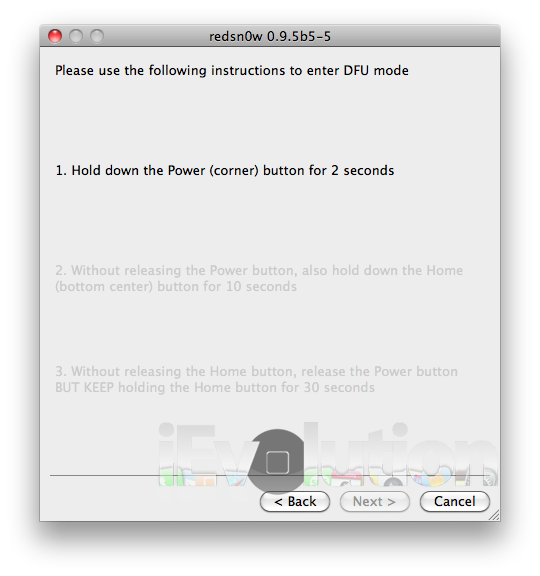
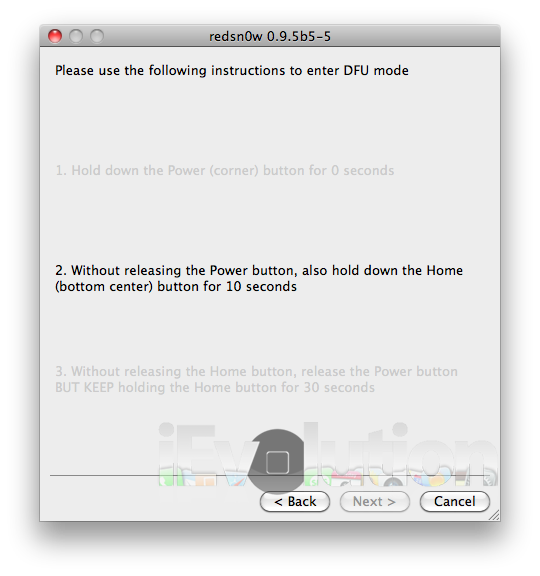
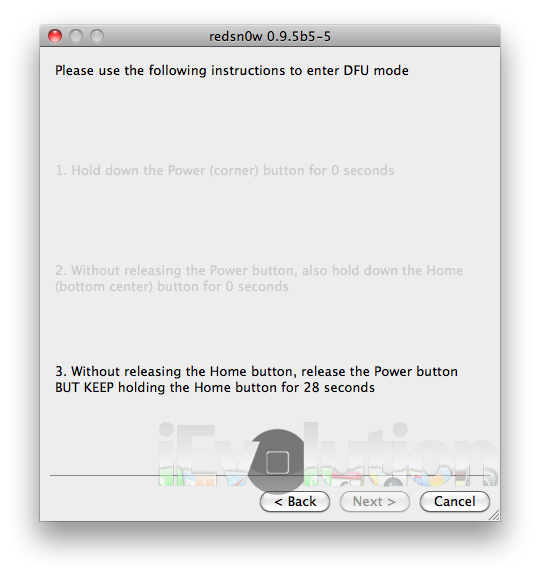
Step 8: Now you sit back and let Redsn0w do it’s magic! Once finished, your iDevice will restart automatically and you’ll have it jailbroken on the latest iOS 4.0.1 FW (firmware). Simple!
Note: This is a BETA release of Redsn0w and you may encounter some issues.
Now you can unlock 05.13.04, 05.12.01 to 04.26.08 basebands on iOS 4.0.1 using ultrasn0w, following our guide here.
Also, can someone clarify step 3?
I think he has mentioned it'd only for 3G…
Yep. Got it.
ta
But also – I have seen some bad feedbacks on os4 preformance on 3G.
Anyone knows if it's true also for os4.01?
Anyone tried this?
Update it in your itunes, click update and hold the shift key and a box will open, you can then select the file you have just downloaded.
Hope this is what you needed? sorry if not:)
Did anyone try this ??????????? it will work in 3gs ios 4.0.1 ???????
I have a friend who has a 3g running 4 and it was very slow but when he updated to 4.0.1 it was fine.
Any there know how i jailbreak iphone 3GS software 4.0.1?
i did this on my 3G but i have the 4.1 software so it messed up my phone a little. I couldnt receive or send calls,internet doesnt work, and you cant turn your phone off.
Yeah, I jailbroke a 3G on 4.1, and had the same experience. It’s a common issue, until there’s an official JB for iOS 4.1.
i dont get it………………………..
IPSW not recognized