SpringPod: Control The iPod.app From Your SpringBoard
Are you looking for a new way to control your music with your iPhone, iPod Touch or iPad? If you are then you may want to check out the SpringPod Cydia tweak that adds a set of icons to your iOS Device’s SpringBoard (homescreen) that can, for example, pause/play music playback. SpringPod also allows you to display a track’s information from anywhere!
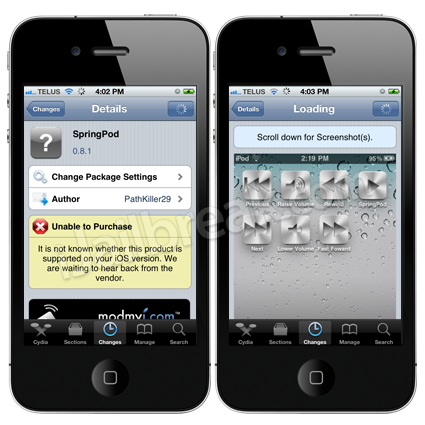 If you are interested in the SpringPod tweak you can find it through the ModMyi repo for $0.99.
Dim To Black Screen: Dim iPhone, iPod Touch, iPad Instead Of Going To Lockscreen
The Dim To Black Screen Cydia tweak will allow your iPhone’s, iPod Touch’s or iPad’s screen to dim to a black screen instead of going to the iOS lockscreen when not being used for a prolonged amount of time. This is useful if you would rather not have your iOS device lock itself like it does automatically, but would still like to conserve battery power.
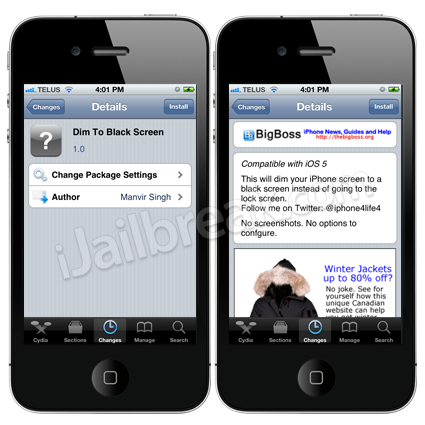 If you are interested in the Dim To Black Screen tweak you can find it through the BigBoss repo for FREE.
Color Keyboard HD: Change Color Of iPad Keyboard
Would you like to customize the color of your iPad’s keyboard? Well, if you would you will be glad to know that with the Color Keyboard HD Cydia tweak you can easily change the color of your iPad’s keyboard on-the-fly. Additionally, if you get bored of just changing the color of your iPad’s keyboard then you add a background image overlay to it.
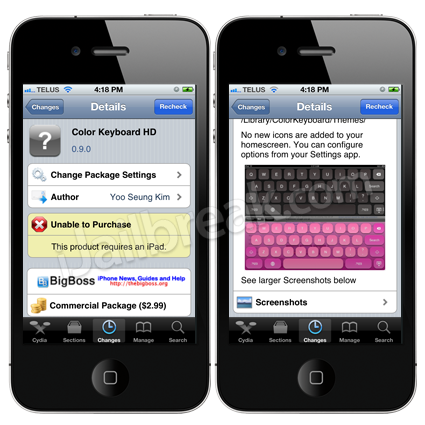
If you are interested in the Color Keyboard HD tweak you can find it through the BigBoss repo for $2.99.
Motion: Causes Total Chaos To Your iPhone, iPod Touch, iPad SpringBoard
Are you looking to cause total chaos to your iPhone, iPod Touch or iPad’s SpringBoard (homescreen)? If so, then you should check out the Motion Cydia tweak that really makes your SpringBoard icons move. The developer of the Motion tweak states there are a whole bunch of settings you can use to liven up your home screen and make your icons dance around such as:
- Rotate: Make your icons rotate
- Scaling: Make your icons grow
- Skew: Make your icons tilt sideways
- Flip: Make your icons flip upside down
- Jump: Make your icons jump
- Transparency: Make your icons fade in and out
- Waves: make your icons move in waves
The settings mentioned above can be used alone, or in combinations and to be honest the screenshots really don’t show just how neat the tweak really is.
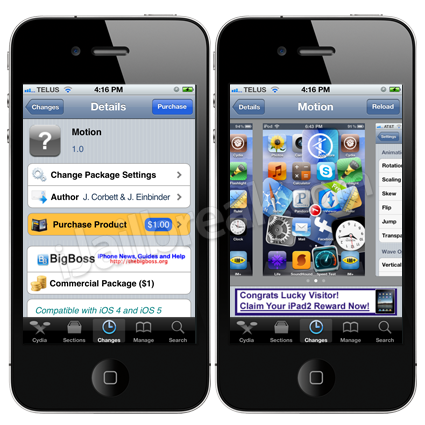 If you are interested in the Motion tweak you can find it through the BigBoss repo for $1.00.
Let us know your thoughts on these awesome jailbreak tweaks in the comments section.
This is a very good tweak, especially if your multitasking bar takes to long to open. You can easily use these icons on your home screen.
Also, you don’t always have to go into Music.app to play music, you can do it straight from your SB
I personally don’t feel this is worth $0.99. Maybe if I could dedicate a whole slide page to them it would be.
You’re right, this tweak sure is not worthy of anyone buying for $0.99. It may be if you really don’t care what you buy and just buy anything, but if you look at it closely, it’s just a bunch of stupid looking icons on your springboard
which is exactly why I want a 4S, because the apps open way faster and the whole phone is more responsive.