Locking your iPhone, iPod Touch or iPad to the portrait orientation is useful when you don’t want apps such as Messages, WhatsApp, Mail etc to show up in landscape orientation. It’s a different story when you’re watching a video on your iOS device. If the portrait orientation is locked, the video doesn’t play in landscape. Hence, you’ll have to unlock portrait orientation to view the video in landscape. Well, not if you have the LandscapeVideos tweak installed on your jailbroken iOS device.
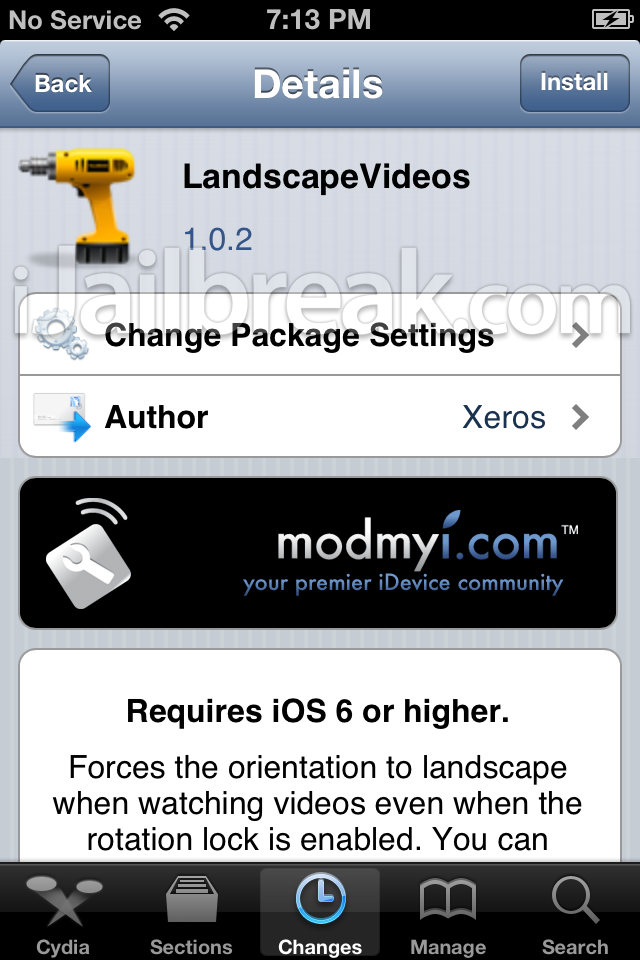
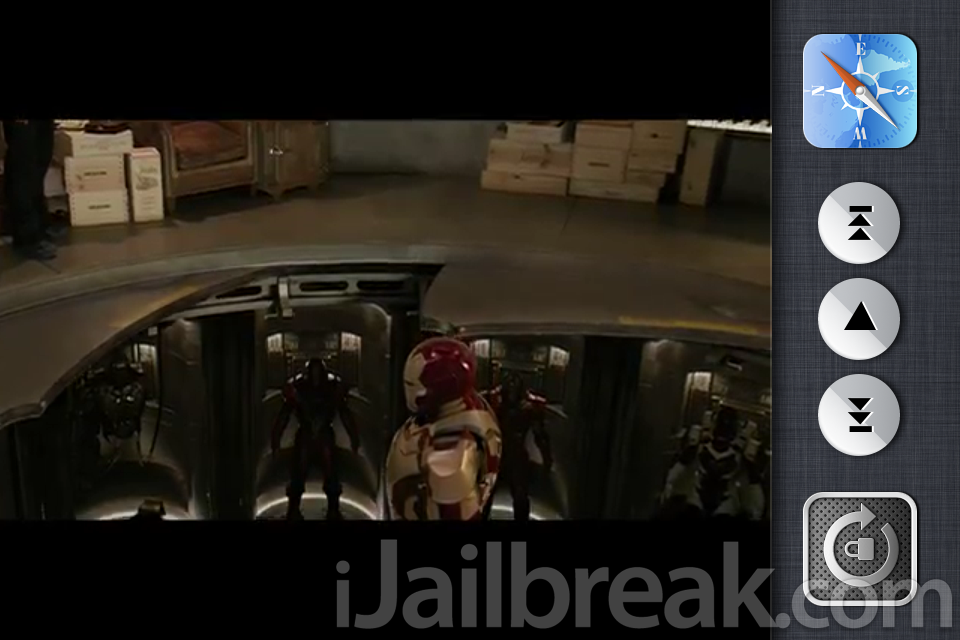
LandscapeVideos is a new tweak that forces a video to play in landscape even when the portrait orientation is locked. It’s a simple tweak really, and works perfect. There is one thing though. It only works for videos, not photos or anything else. We hope that the developer adds the option to automatically show photos in landscape mode.
In the Settings menu, you can enable/disable this tweak, choose to play the video in left/right or both landscape orientation and choose if you want this to work when rotation lock is on or off. That’s all there is to this simple tweak.
Now, you don’t have to double tap the Home button and turn the rotation lock off to watch your videos in landscape. If only it supported photos as well. LandscapeVideos is available for free in the ModMyi repo.
This tweak has corrupted a couple of things, such as the phone controls whilst making a call (& I think it also moved the FF button of my music controls, to be off-centre). I’m hoping they post a fix, as it’s a useful tweak for DisplayOut mirroring on your tv)