Earlier today we told you that Chpwn released the Zephyr Cydia tweak to enable multitasking gestures on the iPhone and iPod Touch. These multitasking gestures will change the way you multitask on your iOS device for the better! Instead of having to press the Home button twice to bring up the multitasking bar you simply need to swipe up from the top of your iPhone or iPod Touch’s screen. Additionally you can switch between apps by simply sliding from the left side of your screen to the right side of your screen or visa-versa.
If you would like to download and install the Zephyr Cydia tweak to your iPhone or iPod Touch you can follow this How To guide from iJailbreak.com on enabling Multitasking gestures.
Enable Multitasking Gestures iPhone, iPod Touch
Step 1) – The first thing you will need to do is Jailbreak your iPhone or iPod Touch running the iOS 5.0.1 firmware untethered. If you would like help with this process go to the How To Jailbreak Section.
Step 2) – The next thing you will need to do is launch Cydia from your SpringBoard (homescreen).
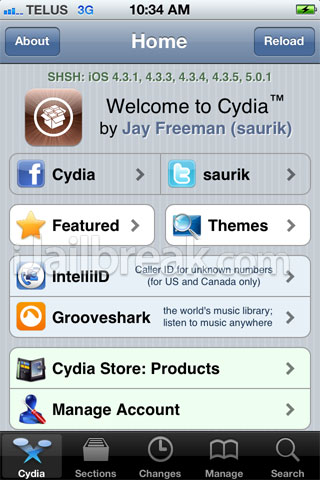
Step 3) – With Cydia launched go into the Search tab, and search for:
Zephyr
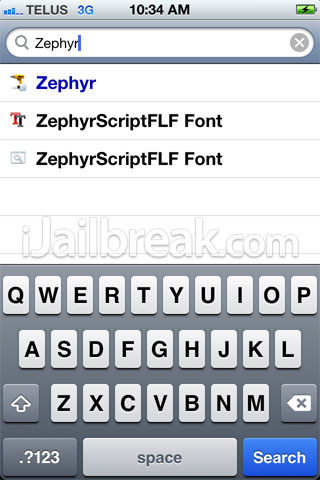
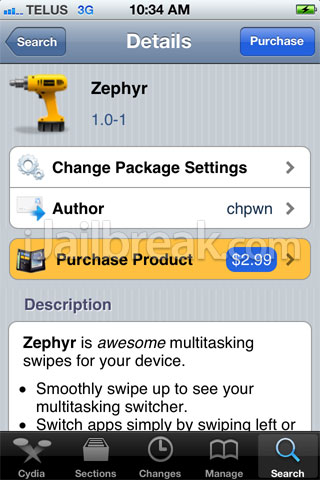
Step 4) – When you see Zephyr on your Cydia search results, click it, purchase it and then download/install Zephyr to your iPhone or iPod Touch.
Step 5) – Once Zephyr has been installed you will need to restart your SpringBoard. Congratulations you have just enabled multitasking gestures on your iPhone or iPod Touch. If you would like to configure Zephyr options simply going into the Settings.app and you can enable/disable it and then eventually you will be able to configure additional gestures.
We hope you enjoy the multitasking gestures that the Zephyr Cydia tweak brings to the table. If you have any questions or comments about the Zephyr Cydia tweak please leave them in the comments section below…
Crashing on my Itouch 4g. The bottom to upward swap for revealing the multitask bar is ok but the left to right app switching is not working for me. The springboard is crashing :( :(
Coolest Cydia tweak ever? Try stupidest Cydia tweak ever.
working just fine on my itouch 4g. is there any update on proxy’s for spire?
Oh wow, I’m so blown away by this earth shattering new app….errrrr, not so much.
This is so dumb it hurts. “coolest tweak ever”, doubt it. Compare this to something like Activator and how cool is it then? First of all, you can easily use activator to set this multitasking action. Second, you are basically paying three dollars for something that lets you swipe like on the ipad. Stupid. What’s up with these Devs? They charge a huge price for crap like this?
No wonder there is piracy all over the place
Same here. I just disabled the left/right switching until the app updates. Maybe then I’ll buy it… ;P
Multifl0w is a much better alternative..
zephyr is so cool, the best tweak ever