Would you like a quick way to check the weather on your iPhone, iPod Touch or iPad without having to actually launch the Weather.app? If so, then you should check out the recently released Forecast Cydia tweak that will add a native weather widget to your lockscreen. In order to conserve battery life the Forecast Cydia tweak will only refresh at most every 15 minutes. And when you do not have an active WiFi or 3G connection you will still be able to see your last update, with a small icon displayed in the corner to tell you weather is currently offline.
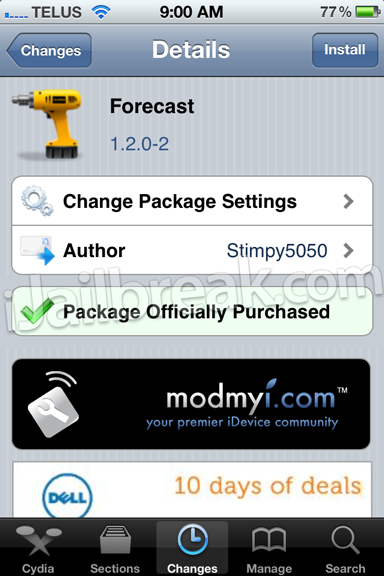
My only grip with the Forecast Cydia tweak is that it completely replaces the regular lockscreen clock and has no settings. It would be nice if you could choose whether you want the weather widget to appear below the lockscreen clock, rather than completely replacing it. I also think it would be a good idea to add some basic settings such as a refresh timer interval.
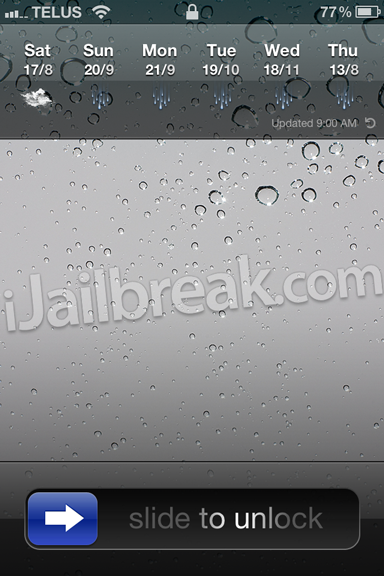
Regardless, if you are looking for a great weather widget and don’t mind losing your lockscreen clock, the Forecast Cydia tweak is for you. For those that are interested in Forecast you can find it through the ModMyi repo for $0.99. Let us know what you think of this tweak in the comments section below.
screwed up doesnt go in the center of the screen
the only bad thing is that it always seems to show the cloud icon and it doesnt let you access the music controls at the lockscreen by double clicking the home button.
doesnt give access to music controls
Freezes phone when i have low signal….
works great after bugfixes