RogueTerm is a universal app in the iTunes App Store which can play roguelikes (old school RPGs like nethack and moria). While my iPhone probably isn’t the greatest platform to play these heavily keyboard-centric games, I wouldn’t mind syncing up my bluetooth keyboard to plug away at some Crawl when I am away from my desk. The thing is RogueTerm does not actually have the games installed onto it. It’s a SSH/telnet client (with some bells and whistles which make playing roguelikes on a phone easier). Most of what you can do with RogueTerm for $4.99 you can do with MobileTerminal and OpenSSH for free.
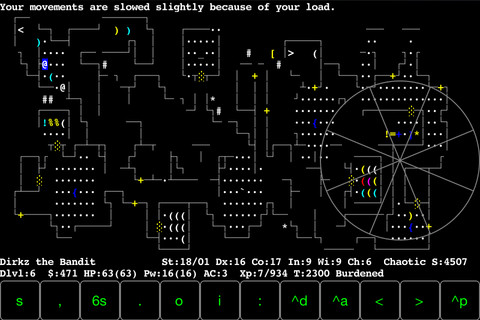
RogueTerm from the App Store
We already featured an article on how to install MobileTerminal on iOS 5, and now we’re going to give a fun use for it. These directions will also help to connect to servers using SSH clients for android and on desktop PCs.
What you will need:
- A jailbroken iPhone with the Cydia Store
- OpenSSH – The SSH server/client software, this is what will allow your phone to talk to the game server
- MobileTerminal – This gives us an interface we can use to work with OpenSSH
- A bluetooth keyboard (optional, but you’re going to want one)
Part 1: Installing MobileTerminal and OpenSSH
1. OpenSSH is in the Cydia/Telesphoreo repository, which means you don’t have to do anything special. Just search for OpenSSH on Cydia and press install.
2. The version of MobileTerminal available in Cydia’s default repositories don’t work with iOS 5. iJailbreak’s repository has a working version, which you can find out how to set up here.
Make sure you change the passwords in MobileTerminal, if you haven’t already. You don’t want someone to use SSH to get into your phone and mess with your system files.
3. In MobileTerminal enter passwd to change the default mobile password to the password of your choice. Make sure you write it down.
4. After you have changed the mobile password, do the same for the root password. Enter the commands login root, and passwd, and enter in a new password. This will make your phone secure from wireless tampering.
Part 2: Setting up shortcuts
One of the annoying things about MobileTerminal is does not support touch screen copy and paste (command+C, Command+V does work on the keyboard). On the other hand it does have handy shortcuts. If you plan on connecting to a roguelike server regularly, you are going to want to set up a shortcut.
1. Press the (i) button on the lower right hand corner of the terminal.
2. Select Shortcut menu
3. Press + to add a shortcut
4. Copy the server connection information into a shortcut action. This will save you a lot of time.
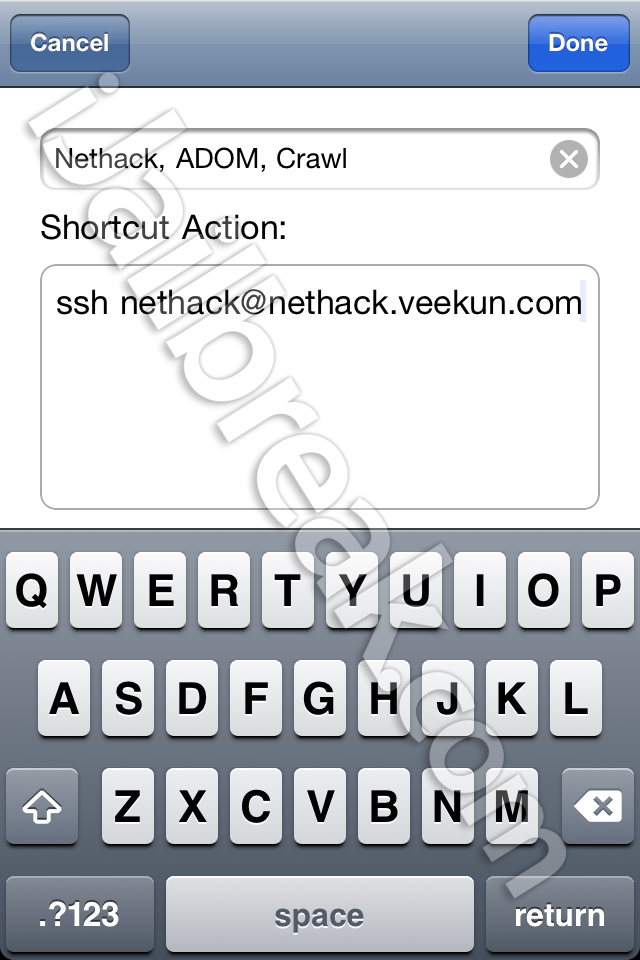
The server I had the most luck with is nethack.veekun.com, which runs Nethack, ADOM, and version 0.7.1 of Crawl. You can connect to it with the following command: ssh nethack@nethack.veekun.com
ssh tells the terminal to use OpenSSH to connect to the server.
XXX@ is the username.
The password for this server is also nethack, which we will enter later.
(While we are using these variables to connect to a game, you can use SSH to connect to servers for many different purposes. It’s a neat tool.)
Part 3: Connecting to the server
1. Press the (^) shortcut button menu on the lower left hand corner of the terminal and scroll down on the menu to select the shortcut you just saved.
2. After you have selected your shortcut press Return.
3. Enter the server’s password (nethack for nethack@nethack.veekun.com), and press Return again.
4. From there you can login, register as a new user, watch a game in progress, or quit back to the menu. These games work best with a bluetooth keyboard in landscape mode, although nethack works fine with the onscreen keyboard in portrait. Have fun dungeon crawling!
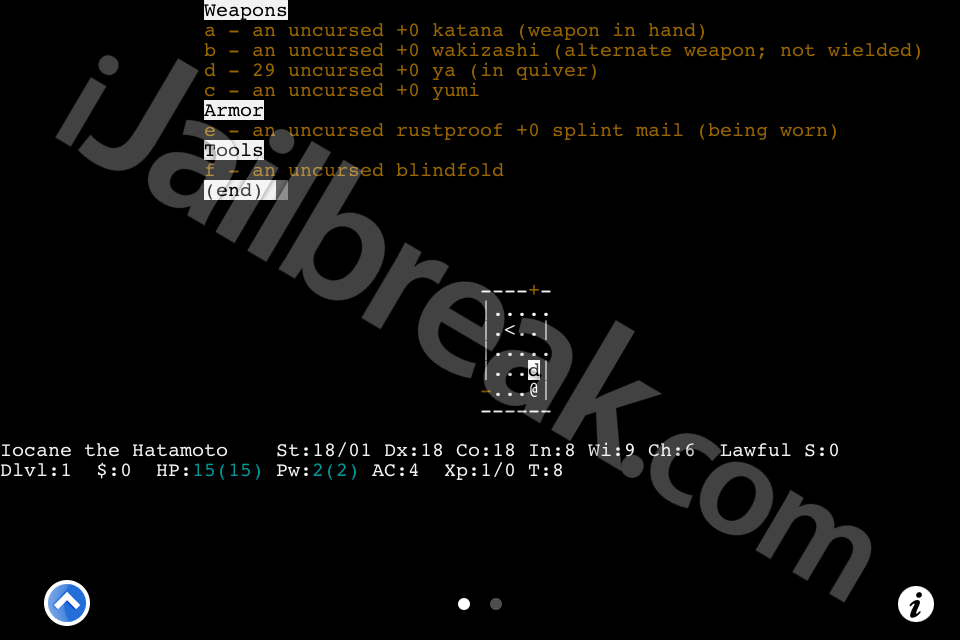
Nethack in MobileTerminal
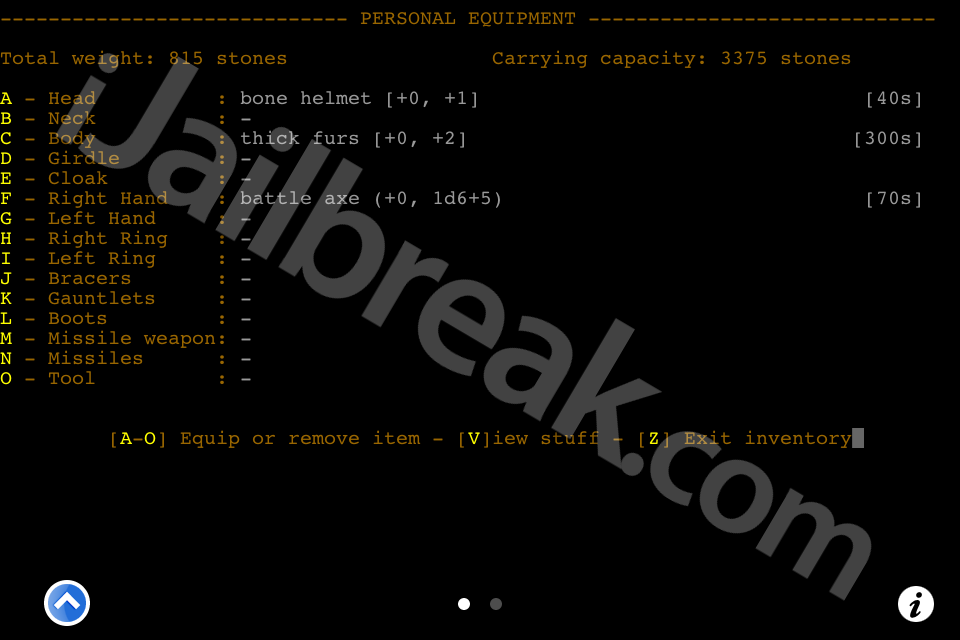
ADOM in MobileTerminal
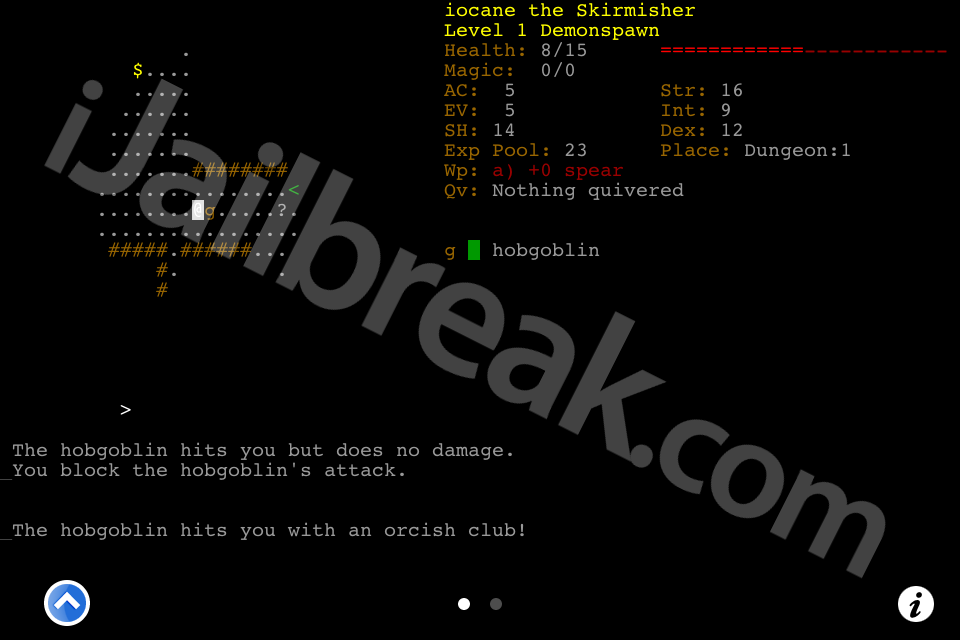
Crawl in MobileTerminal
Other servers:
We were were only able to get the official Crawl server to allow us to watch games (MobileTerminal’s width is one character short of crawl.akrasiac.org minimum of 80.) You can try for yourself at joshua@crawl.akrasiac.org, the password is joshua.
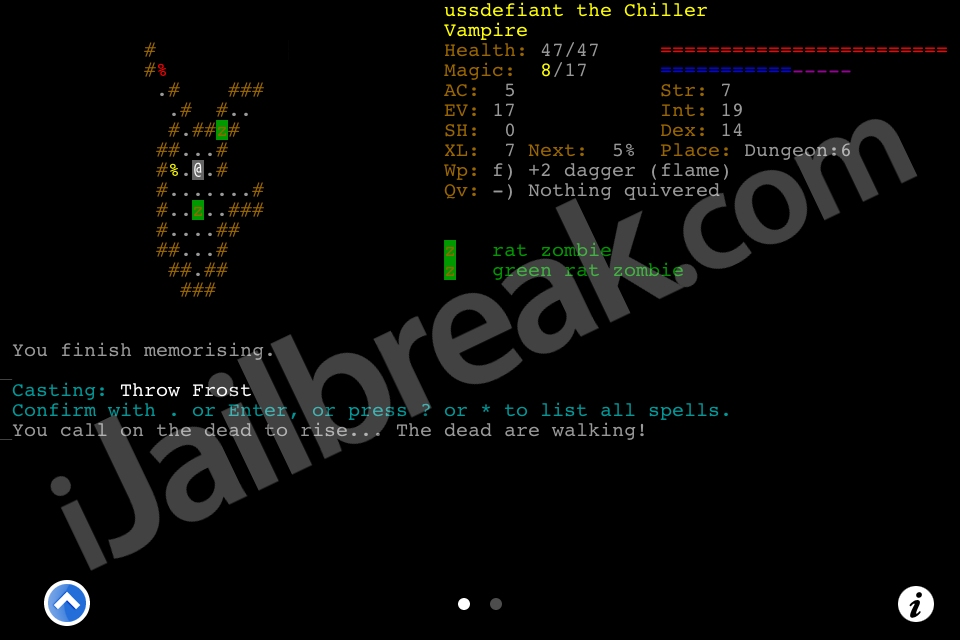
A match I was able to spectate on the official crawl server
What’s your favorite use for MobileTerminal? Let us know in the comments section below.
Leave a Reply