You should have been told in a tutorial to change your iPhone, iPad, or iPod Touch’s default passwords after installing SSH–but you might be wondering why. You might even be asking yourself, How can someone else mess with my iPhone if they don’t even know who I am? I’m not anyone special, so why should I be paranoid?
The two biggest security holes for jailbreakers are ignorance and laziness. Change your default passwords.
There are two things to consider: 1) Since iOS 1.1.1, every iOS device is set with the same usernames and password by default: mobile/root, alpine. 2) iPhones are almost constantly connected to the internet, and anything that’s connected to the internet has an IP address.
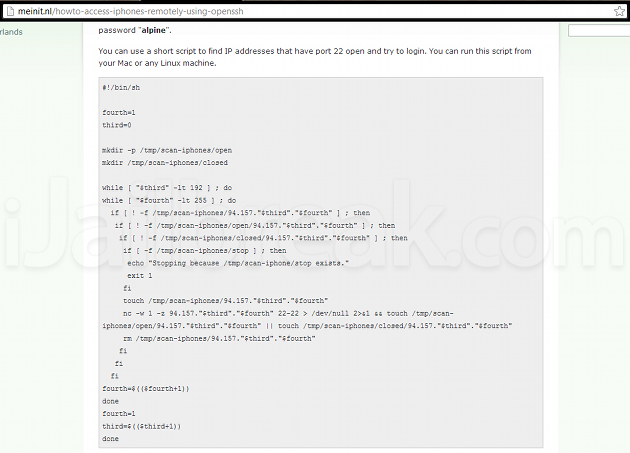
Not only is it possible to go through IP addresses for iOS devices that have OpenSSH installed but have not been set up with new passwords–there are readily available scripts for compiling lists of these devices. We just did a Google search, and found a page of commands compiled by a consultancy firm called Me in IT.
So any script kiddie can get into my iPhone through a few shell commands. What then?
If someone knows enough to find your IP address, chances are they know enough to find your text messages in /private/var/mobile/Library/SMS, your call history in /private/var/mobile/Library/CallHistory, your voicemail messages in /private/var/mobile/Library/Voicemail, and your photo roll in /private/var/mobile/Media/DCIM. You’ll find these files in the same location on every iPhone, making it really easy for potential identity thieves and other blackhats to find something they can use. That’s just innate features of the iPhone’s filesystem. What’s stopping a blackhat hacker from remotely installing spyware through APT-GET? Only a set of passwords.
Keeping your iPhone, iPad, or iPod Touch secure:
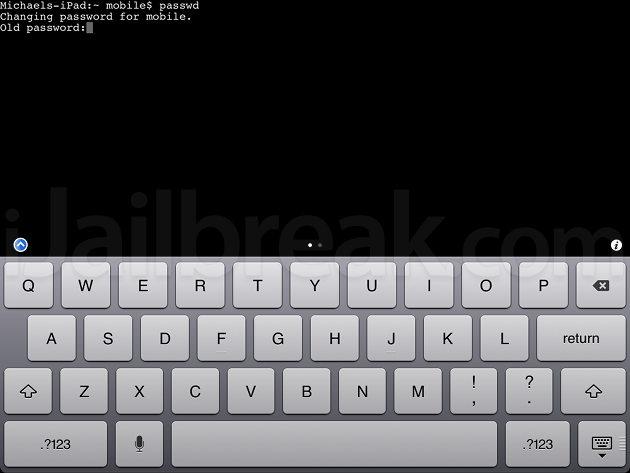
The best method for keeping your files safe from this form of random attack is to change your passwords–both for your mobile and root logins–as the attack can only work if you’re too lazy to change it. No matter who you are, you likely have texts, photos, and banking information that deserves protection. If you don’t know how to change your root and mobile passwords, you can follow our tutorial below:
- At the iPad-Name:- mobile$ prompt.
- Type: passwd
- Enter the old password: alpine
- You ‘ll then be prompted to enter the new password. You won’t see the characters you type being entered don’t worry.
- You ‘ll then be prompted to re-enter that new password.
- You should then be returned to the Mobile$ prompt that you started on when opening the MobileTerminal app. There’s no success message to say the password was changed but if there’s no error message it’s successful. That’s that done for the change for the mobile account.
- The second primary admin account for the iPhone is called root so it’s necessary to change that as well.
- Type: login root
- Enter the old password: alpine
- Enter: passwd
- Enter the old password alpine and then enter your desired new password twice, just as you did for the mobile account.
All done!
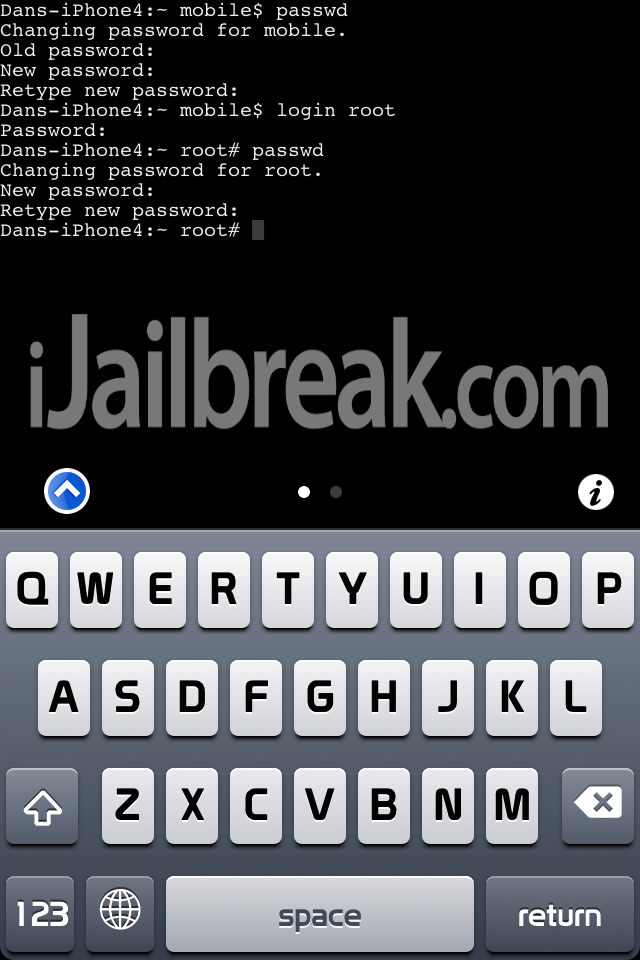
It should all look like this if you’ve done it correctly:
Did you remember to set your system passwords? Share your thoughts in the comments section below.
Leave a Reply