The Dev-Team promised that the iPhone 4 unlock would be released around the same time as the jailbreak, and it looks like as usual the Dev-Team have kept their promise! Today we see a new release of UltraSn0w that will unlock the iPhone 3G, iPhone 3GS and even the iPhone 4; this unlock works with iOS 4 and iOS 4.0.1.
In more technical detail this unlock will work with the following basebands:
- iPhone 4 baseband 01.59.00
- iPhone 3G and iPhone 3GS basebands 04.26.08, 05.11.07, 05.12.01 and 05.13.04
One more thing that this new unlock requires is that your iPhone must be activated. If your iPhone is not activated, you must follow these instructions to activate your iPhone without the original SIM card.
Unlock iPhone 3G / 3GS And iPhone 4
Step 1: The first thing you must obviously do is jailbreak your iPhone. If you have not jailbroken your iPhone, follow this tutorial.
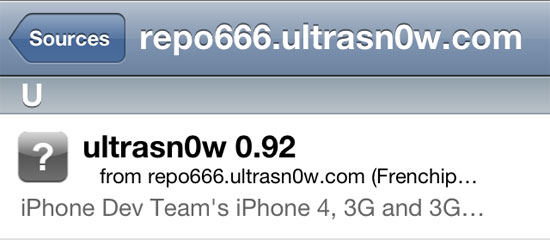
Step 2: Once your iPhone is jailbroken, go to Cydia and search for UltraSn0w in the search pane. If you do not see UltraSn0w on the search results, you must add the following repo: repo666.ultrasn0w.com
Step 3: Now that you see UltraSn0w install UltraSn0w to your iPhone.
Step 4: Once UltraSn0w has successfully installed reboot your iPhone.
If you have followed all the steps correctly, you should now have an unlocked iPhone! You can now use any SIM card with your iPhone. If you have just unlocked your iPhone 4, you may be required to trim the new SIM so it fits into the iPhone’s SIM card holder (if it is not a Micro SIM card).
Note: The iPhone doesn’t support T-Mobile’s 3G frequencies, T-Mobile users in the US should turn off 3G via Settings > General > Network.
Update #1: Unlock iPhone 3G On iOS 4.0.2 Using UltraSn0w 1.1-1 [Use On Unofficial Carriers]
I’m not understanding “trim the sim card so it can fit”? I just JB’d/unlocked my iPhone 4 and will be using it in the Philippines next month. Please advise. Thanks!