After weeks of testing and preparation, the new iOS 4 jailbreak is finally released. Comex came through with another great, cross device, cross platform, new jailbreak. www.jailbreakme.com. Yes, that’s right, jailbreakme.com is back! Just visit the site on your device, and you’re jailbroken! No need to download a new software tool. No need to use your computer, at all. So easy. This was around back in the early days of jailbreaking, on iPhone OS 1.x.x. Looks like everything has come full circle.
This will jailbreak all iPhones and iPod Touches, old and new bootrom, untethered, on iOS 3.1.2, iOS 3.1.3, iOS 4.0, and iOS 4.0.1, and the iPad on iOS 3.2 and iOS 3.2.1. Below is a more detailed list:
- iPod 1G – 3.1.2
- iPod 1G – 3.1.3
- iPod 2G – 3.1.2
- iPod 2G – 3.1.3
- iPod 2G – 4.0
- iPod 3G – 3.1.2
- iPod 3G – 3.1.3
- iPod 3G – 4.0
- iPad – 3.2
- iPad – 3.2.1
- iPhone 3G – 3.1.2
- iPhone 3G – 3.1.3
- iPhone 3G – 4.0
- iPhone 3G – 4.0.1
- iPhone 3GS – 3.1.2
- iPhone 3GS – 3.1.3
- iPhone 3GS – 4.0
- iPhone 3GS – 4.0.1
- iPhone 4 – 4.0
- iPhone 4 – 4.0.1
How To Jailbreak iOS 3.1.2 – iOS 4.0.1 With JailbreakMe
Make sure you sync with iTunes first, and back up all your data. On your iDevice, open Safari, and go to www.jailbreakme.com. Make sure you are on a good secure WiFi connection.
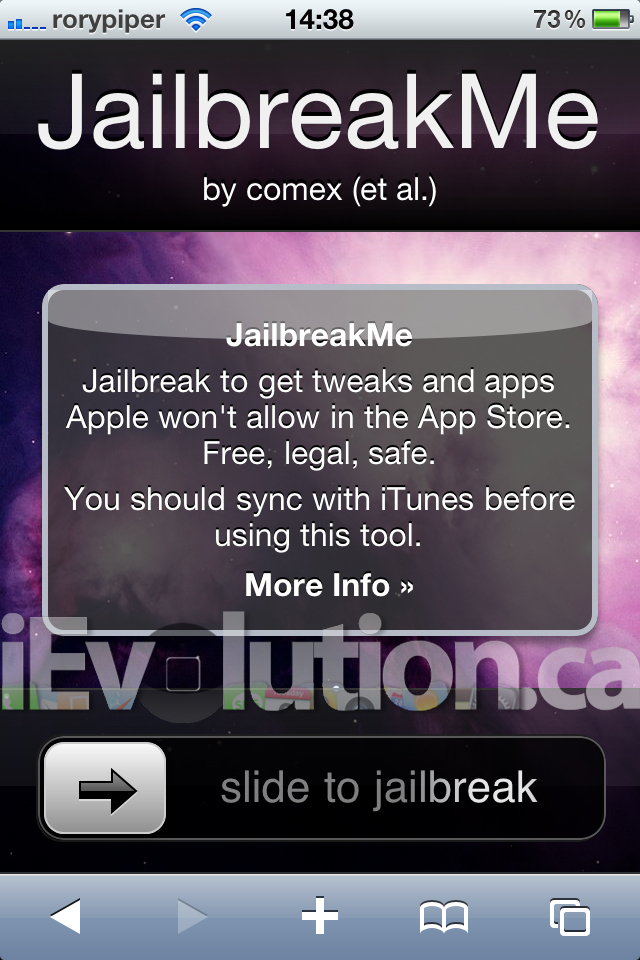
Move the slider to the right. It’ll say “Downloading…this may take a while” The speed depends on your internet connection and the server. Once downloaded, it will start to jailbreak right away. Just wait. Once finished, you’ll get a message saying Cydia has been added to your homescreen. No reboot or respring required, but is recommended.
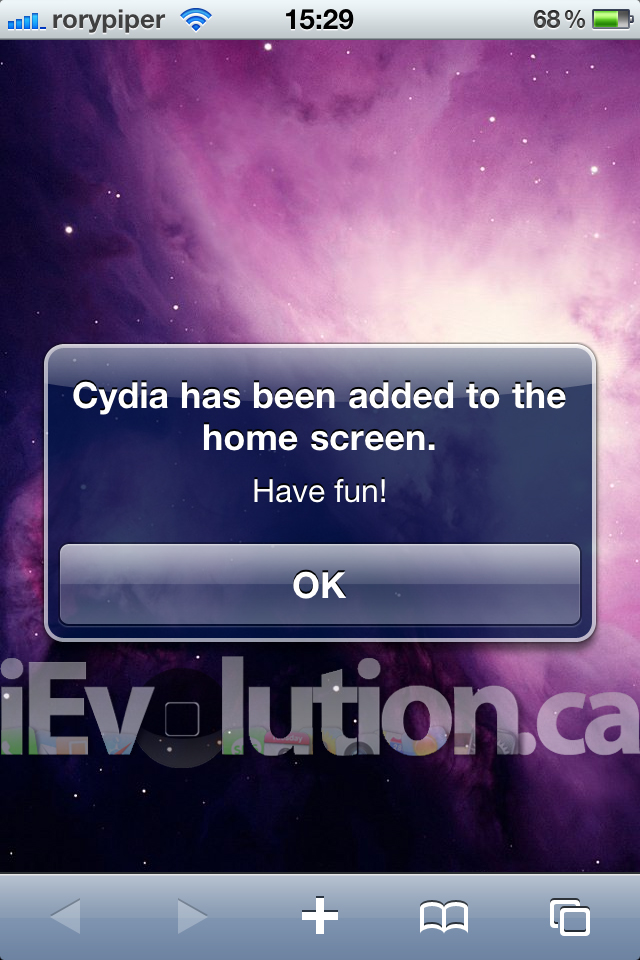
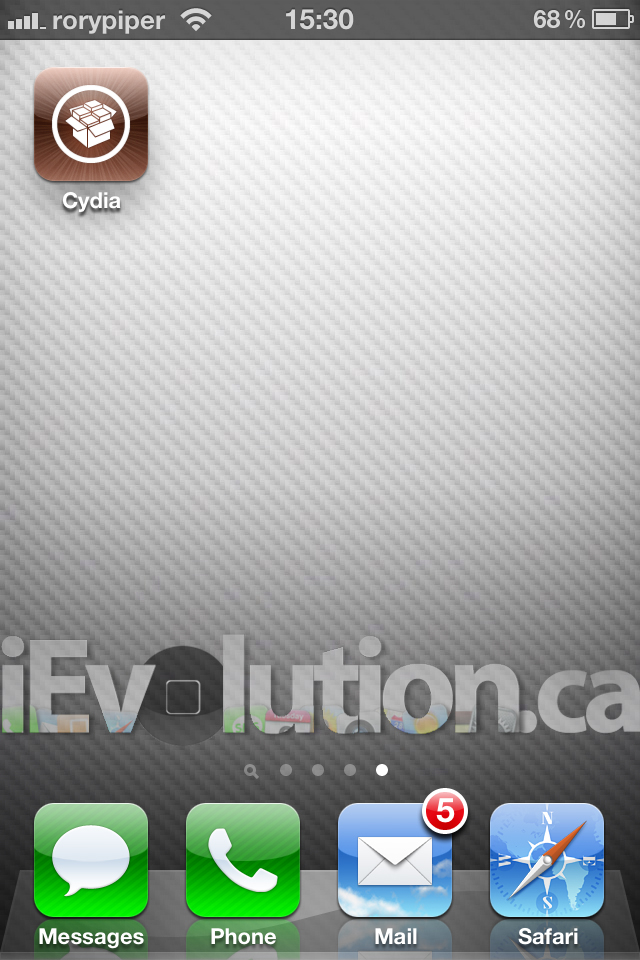
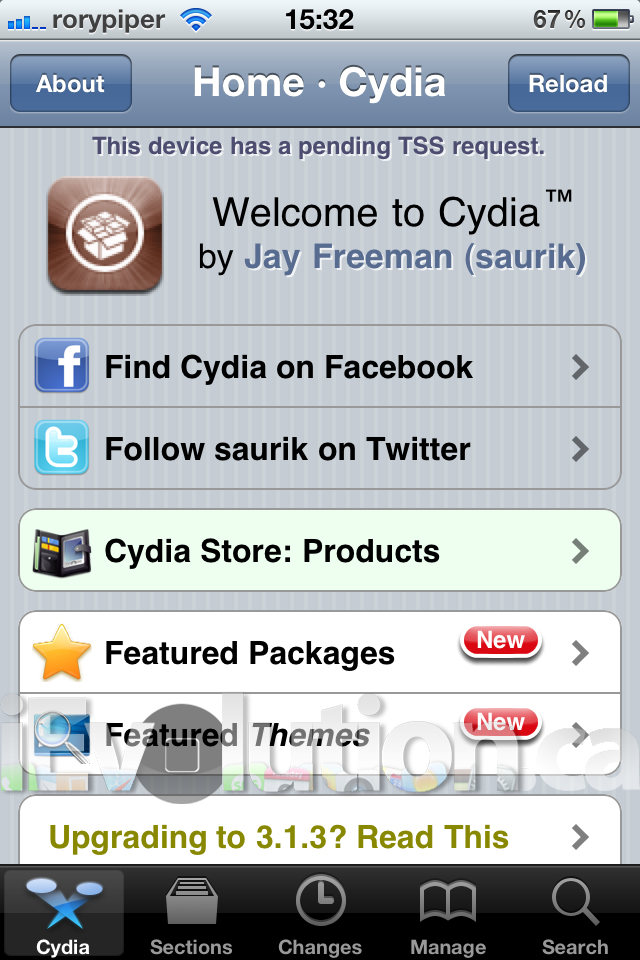
If it’s going slow, it’s just because the server is probably slammed. As soon as the was released, it crashed right away. If you get stuck at the purple screen, reboot and try again. You might get this message, after a failed attempt. Just keep trying.
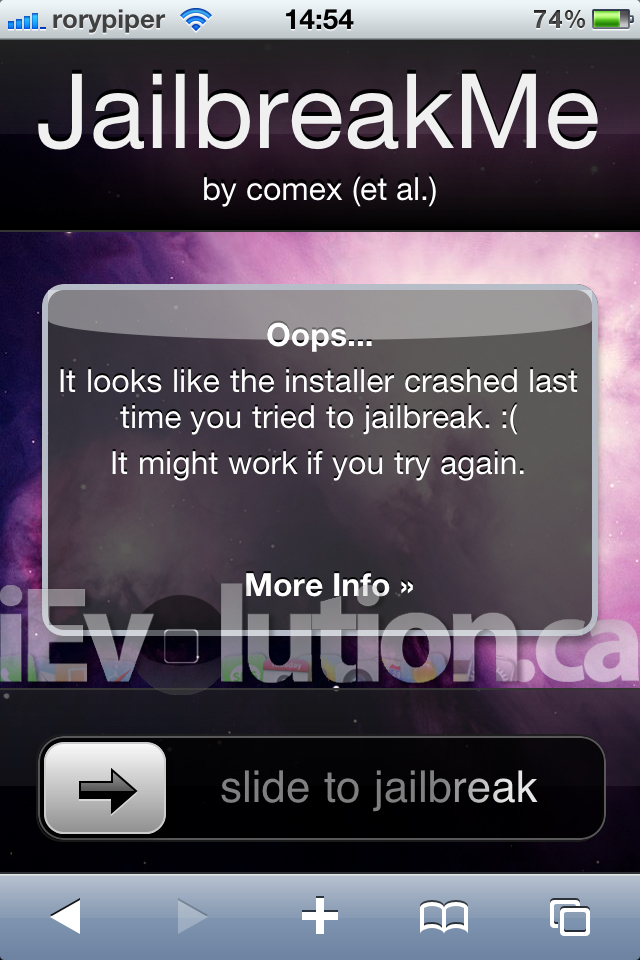
That is it. Welcome to your jailbroken device! As always, you do this at your own risk. Comex and the iPhone Dev-Team have been able to do a fair bit of testing, but they obviously cannot test every single scenario. Make sure you back up all your data before attempting this.
Some known issues, right off that bat: some people report losing MMS. Others report losing FaceTime on the iPhone 4. There has also been an issue reported of this jailbreak not quite working on iPads with 3.2.1. We’ll keep you updated, with fixes.
Update #1: Cydia has been updated with a fix for the FaceTime/MMS issue.
Is the boot screen changing so it looks like you have dead pixels? Or is it just me?
Works perfectly on my 4.0 iPhone 4 :) gonna upgrade to 4.0.1 and do it again.
After updating to 4.0, simply run the jailbreak again.
Um, yea I lost MMS. Restoring to go at it again. (4.0)
The website just went down
nope never mind it was just my internet connection
it worked perfectly on my 3gs os4, thanks!
ya I have same problem..I thought my phone pixels died
I`m stuck in recovery mode on my iphone 3gs 3.1.3…Is there any way i could jailbreak my iphone 3gs any suggestions
just do it on you computer http://www.spiritjb.com that's the easiest one i tried this new from comex its buggy and multitasking is disabled
JB worked perfect, so the unlock, but after that I tried a restore and now the phone it's stuck on the apple logo screen and the circle won't move, tried UDF mode and no luck :( any idea?
DFU typo…
Cydia patch fixes MMS issues. Post coming soon.
Same here, with the two 3gs that I have…
I`m going to update to 4.01 so what should i do help me please
There are dead pixels on boot screen only…the home screen is fine no dead pixels. Any idea why this is happening?
worked perfectly!! 3GS on OS4.01
Jailbroke my Rogers i4 running 4.0.1. But as posted above I did lose mms and FaceTime
Just tried it. It downloaded and went back to the home screen, but never didn't show cydia or anything so I restarted. Now i am stuck at the Apple screen. Help??
(ios4.0.1 on 4G)
same here with 2 iphone4 and 1 3gs
yes u can try again and then ultrsn0w to unlock.
@scott mine is the same way and i cant even restore mine it gives me an error i have no idea what to do :”(
Those of you stuck at the Apple logo; you'll have to restore. Connect your device. Press and hold the home and power buttons for about 30 seconds, or until it goes into recovery mode. Do a fresh restore. Jailbreak again. Restore from back up.
1, restore
2,Backup
3,Jailbreak
4, restore from back up
work great on my iphone 4
I open safari and slide it but i only get a purple screen! What should I do?
it worked but then i restored to try it again (fix facetime issues) now when i visit jailbreakme.com, it just hangs after i slide. any ideas?
hi,
my screen is stuck on emergency call screen. what should i do????
Worked great on my new iPhone4 IOS 4.0.1. Super smooth -no issues!
I am stuck on the purple screen with my ipad 3.2.1. anyone can help?
thanks guys
Hey you guys i only get a purple screen but nothing start to download ANY WORDS?
@Mauricioup
I'm having the same issue right now
I'm having the same issue right now
do you have the 3gs with old bootrom or new bootrom? MC-Model?
did you have spirit before whilst using ios 3.1.3?
thx
For the people stuck on the purple screen its because to many people are on the site
does that mean it will work on the ipad 3.2.1?
Just wondering, if i jailbreak my iPhone on ios4 with jailbreakme.com,
Would it be possible to restore to a custom firmware made by pwnagetool or sn0wbreeze?
Because states it only works on pre-jailbroken devices. Hence, its jailbroken and now shouldn't work?
hi ppl that face the problem i faced if it says downloading and then on sit tight it crashes the fix is to restore your iphone using itunes (this is for 4.0.1) and then go to jailbreakme.com and it should work . 100% will work.
work like a charm wooohohohoh.if you didnt get the jb and you keep trying you need to turn off your device n wait for 2 min restart then try again there you go enjoy!!!!
damn this is nice works great the best jailbreak 3gs 4.01 yaaaaaaaaa
some of cydia apps doesn't work. like mxtube, irealsms. it makes my phone crash and i hv to go into safe mode to remove the app to make it function normally. are u guys facing the same issue?
and im using iphone 3gs 4.0.1
You can use Atube instead of mxtube, hope that helps.
I did the jailbreakme on my 3GS 4.0.1 now my multitasking is not working
I have 3gs 4.0.1 and i did jailbreakme and the bosspref doesn't work. can you tell me why?
i also had mine too. i read from some others comment that it was common issues and awaiting for a fix?
guys, i want to try this out, but i'm kinda afraid…
i have jailbroken my 3G with 4.0 and it works, sometimes slow, but okay and lots of apps, mainly cracked apps crash when start-up…
i hope this jailbreakme solves the crashed apps issue, so i want to try to update to 4.0.1… but well, should I update through iTunes officially? im afraid i'll lose my unlock (ultrasn0w)… any ideas?
Need to activate with an official SIM.
No. “Pre-jailbroken” refers to being jailbroken with a bootrom exploit. Jailbreaks like Spirit and Star are a different kind of exploit. Still no new bootrom exploit out there.
Planetbeing has said the “dead pixels” thing is normal. Not dead pixels. Just a quirk of the new jailbreak. Nothing to worry about.
Ok so I was stuck on the apple logo and restored it it on the 11th or whenever was the same date as the 4.0.2 update and I unknowingly updated. now I'm stuck on 4.0.2 with absolutely no jailbreaking option…so sad..please please help me!
your outta of luck if you haven't backed up your SHSHs
Have done the jialbreaking, and now I installed flash on my iPad, it’s so cool that I can enjoy movies from Hulu and YouTube freewheelingly, though I got an iPad video Converter from ifunia, that only make sense when I travel and don’t have much data.
Thanks for the helpful guide anyway!
tried it on my iPod touch version 3.1.3, it crashed, what should i do? thanks?
It crashes the installer and turns off the iphone
it wont even let meh download it and i have the 3.1.3 it keeps saying it crashed..
same thing to me and the button that says start jailbreak dosnt even move someone help:(
I have conection but cant get on website???
hi how to download jailbreak
help me pls thans xxx
HEY!
please who can help me,
mail me to osman_vardar@hotmail.com
im the biggest noob ever about jailbreaking,
i got a new iphone 4
version 4.3.1 (8G4)
modemfirmware 04.10.01, who can help me with jailbreaking my iphone?
im trying to jailbreak my ipod touch but it says that “version too new, you need to downgrade to 4.01/3.2.1 or earlier (which may be impossible, explanation) before you can use this site.
HELP ME!!!!! BECAUSE I REALLY WANT CYDIA BUT IT WONT LET ME JAILBREAK MY IPOD TOUCH!!!!!!! someoen tell me what i should do!!!!!!!!!!!!!!!
I’m just stuck on some screen with a skier and a sign that says PDF!!!!!!!!!
PLEASE HELP!!!!! =(
i have an iphone 4 a ios 4.2.1 when i visit the site it doesnt show the free sign to install, i bought my phone in China any help……………
how do i jailbreak my ipod four for free????please help me
How to jb my iPhone 4 version 4.3.5?
Did your iPod crash or just the server?
I want 2 add the old jailbreak ,,,
Can some one tel me how..????
can anybody tell me about wifi charger app for iphone
Iphone 4s plss donwload