aEasyCopy: Make Sending Text To Any Other Device/Computer A Breeze
Yet another cool tweak was released in Cydia and this time the tweak goes by the name of aEasyCopy. This tweak allows you to share pieces of text on your iDevice, with other electronic devices such as your computer. All you need to do is simply download and install the FREE app that is available on Cydia, and launch it from your springboard. When it’s is up and running you simply add the selected text you wish to share with other devices, and once you click the connect button it is then stored locally on your iDevice for you or other people to access.
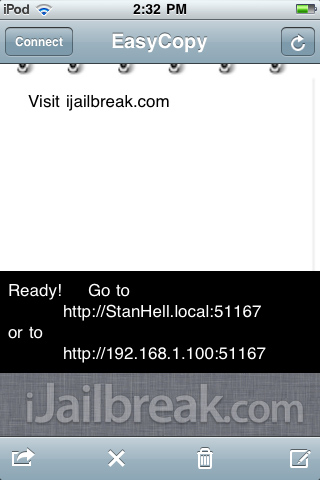
This tweak is a very useful tweak if you want to share for example a text message, joke, or quote with friends. You would simply copy and past the joke (for example) into aEasyCopy, and SMS your friends with the URL of the text; where they could then read the joke. As all of the text is stored locally on your iDevice, the URL of the text you wish to share will be the IP Address or name of your iDevice followed by a file code.
If you are interested in testing out aEasyCopy (which I highly suggest), then you can find it for free via Cydia.
Pull To Refresh Safari: Bring Dynamic Refreshing To MobileSafari
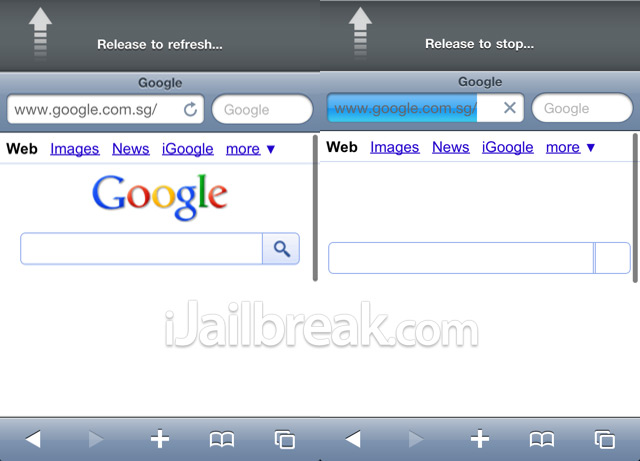
A new tweak has just been released into Cydia called Pull To Refresh Safari. This new Cydia tweak will bring a popular “Pull to Refresh” effect to mobile safari (similar to the twitter and facebook apps). You can either pull down to refresh a web page you are currently viewing or pull down to stop a web page from loading if it is currently loading. This functionality can greatly increase your productivity on the web, and if you are interested in such a tweak. You will be glad to know that Pull To Refresh Safari is available for free via Cydia!
RetinaPad: Enable Retina Display On iPhone Apps In 2x Mode
A new tweak was released into Cydia called RetinaPad. This tweak allows you to enable Retina display for iPhone apps running on the iPad, that otherwise would be pixelated. This tweak is capable of blowing up retina display supported applications, to look native on the iPad’s giant screen resolution. As long as a specific application supports retina displays, this tweak will work out-of-the-box with that specific app, to turn an otherwise pixelated application into an app that fully supports the iPads resolution.
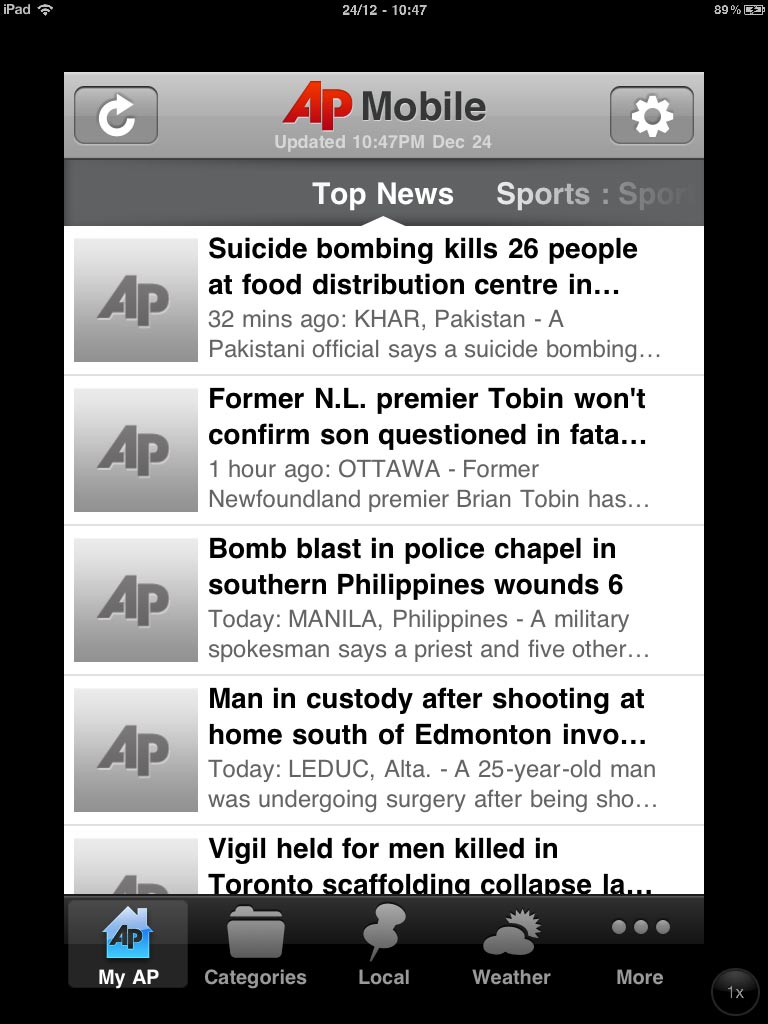
In my opinion RetinaPad is one of those tweaks that every iPad owner should have installed on their jailbroken iPad, as many applications on the App Store unfortunately do not support the iPad’s screen resolution. All you need to do to enable RetinaPad’s effect on a specific application, is go into the Settings.app and choose which apps you wish to apply the tweak to (as depicted in the picture above).
If you are interested RetinaPad, it is available on the Cydia Store for a price of $2.99.
iRetiner Now Has A GUI To Make Optimizing Apps Icons For Retina Display Even Easier
If you have heard of iRetiner before, it is because iRetiner itself is not a new tweak. You see, it used to be a free terminal script, which allowed users convert pixelated icons into Retina display compatible icons from MobileTerminal. Now this same functionality is coming to any iDevices with Retina display, but this time with an easy to use GUI! The developers of this app have converted this script developed by dsx, to now feature an easy to use interface in which you can get rid of any pixelated icons on your springboard, fast and easily.
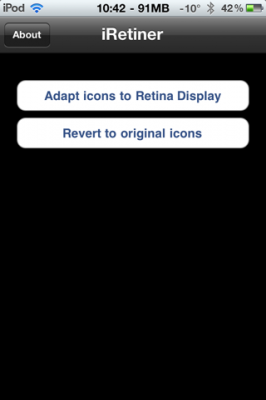
If you have a lot of ugly and pixelated icons on your SpringBoard, why not fix them up with this free and useful utility? If you are interested in iRetiner it is available on Cydia for FREE via the BigBoss repo!
Leave a Reply