Well known iOS developer Ryan Petrich released an update for the FullForce Cydia application, which allowed for the installation of the native iPad Facebook application that was discovered packed away in the new Facebook for iPhone update. Soon afterwards, Facebook restricted the iPad application, and began removing users from their servers.
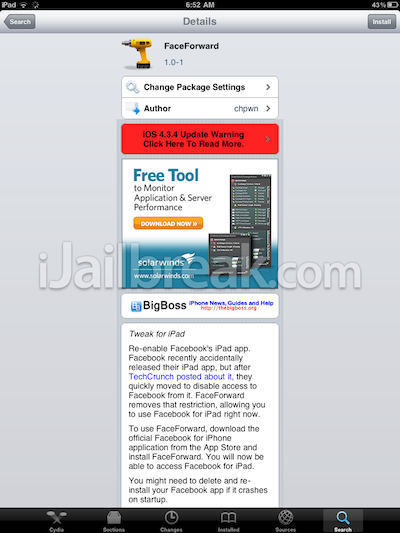
Earlier today, as part of the TweakWeek Challenge, respected developer Chpwn released a new tweak to enable the iPad version of Facebook called FaceForward.

There had been some uncertainty behind whether or not, or even how soon Facebook would block the use of this tweak. Chpwn provided some insight, and comfort when he tweeted the following:

FaceForward is available free through the BigBoss repo. If you’d like to get the official Facebook application running on your iPad or iPad 2, check out our tutorial below…
How To Install Facebook App On iPad Using FaceForward
NOTE: A jailbroken iPad is required for this to work. You can follow our step-by-step guides to jailbreak your iPad (first-generation).
If you are running iOS 5 beta, you can jailbreak it using RedSn0w or Sn0wBreeze. However, if you are using an iPad 2, you will need to be running iOS 4.3.3 and jailbreak it using JailbreakMe 3.0.
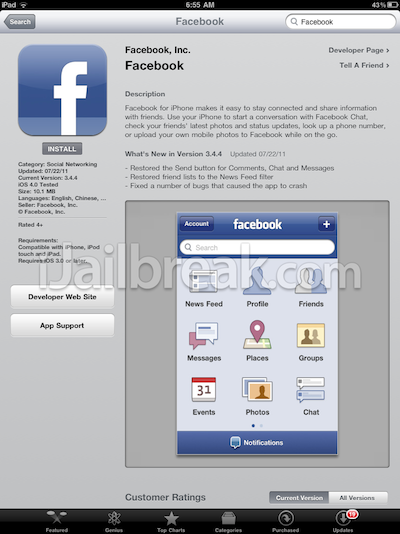
Step 1) Install the Facebook for iPhone application on your iPad or iPad 2 through the App Store.
Step 2) Launch Cydia and search for “FaceForward” (the tweak is free through the BigBoss repository).
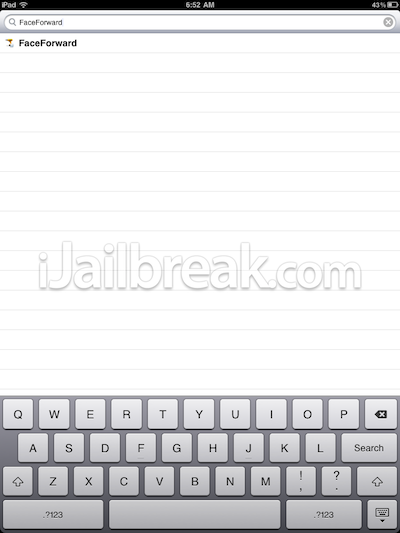
Step 3) Install “FaceForward” by tapping the “Install” button located in the top right corner.
Step 4) Once “FaceForward” is installed you will need to click the “Reboot Device” button.
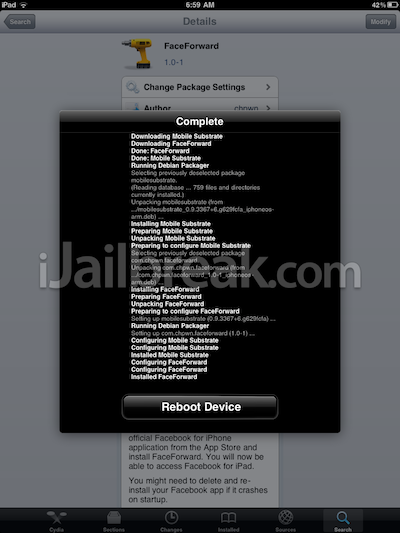
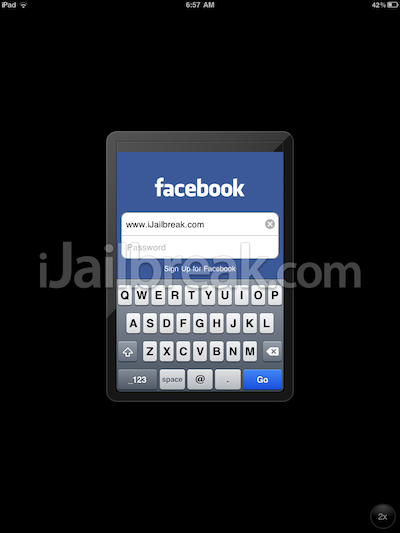
Step 5) After your iPad has rebooted, launch the Facebook app from SpringBoard, login and enjoy!
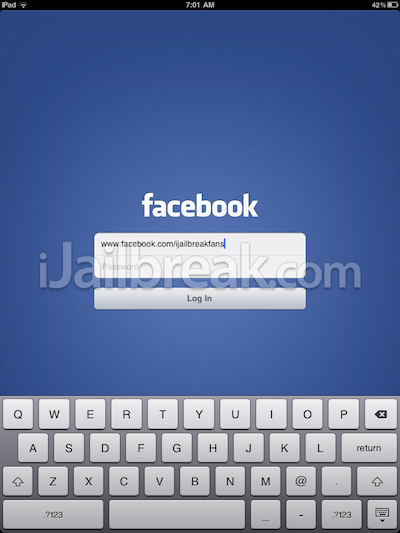
Note: If you experience crashing on startup, please delete your Facebook application, and re-install it.
Did FaceForward tweak work for you? Let us know in the comments.
Leave a Reply